
When we receive requests to modify Script dates, usually received from the group GMF-U des FAUBOURGS as shown above, follow these steps:
1. Access the Period Configuration and click on Scripts:
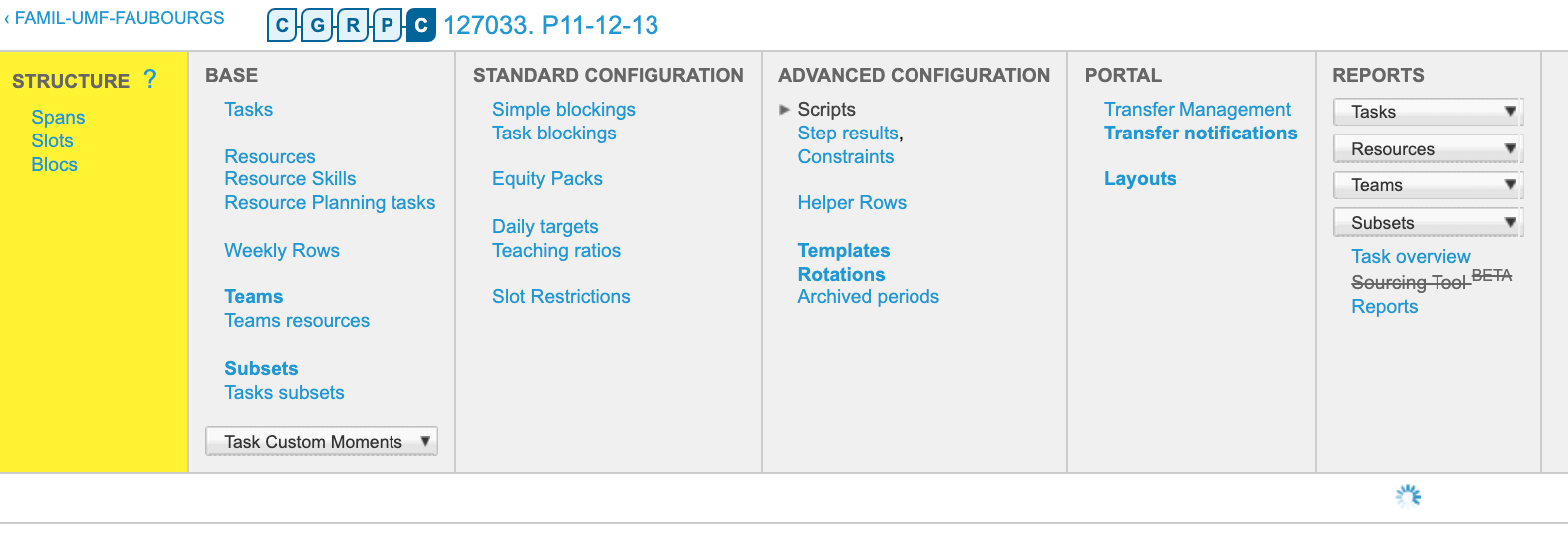
2. Scroll down through all the Scripts and locate the Script with dates. Example:
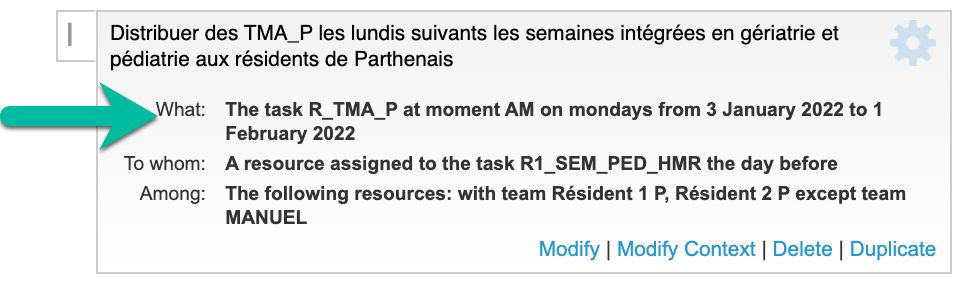
3. Click the Modify button on the Script:

4. Locate and open the Task Selector option and find the dates at the far right:

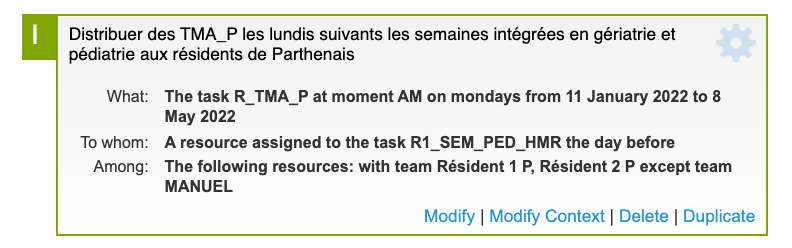
5. Modify the start date and end date, click Save. Be sure to complete this for all Scripts that have a date
***PRO TIP***
For a more effective way complete these in bulk (vs one at a time), use your COMMAND button + mouse click to open many Scripts at once. Go to each browser tab, and open the tasks section for all, then Change the dates to all of them, THEN click save for all. Doing it in this manner will save you lots of time as these types of requests usually have many to complete.