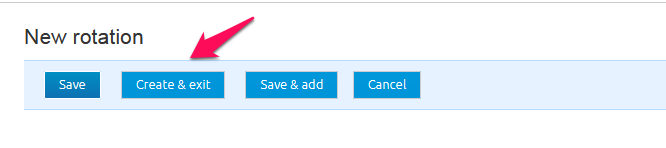
Here is the procedure for creating a rotation.
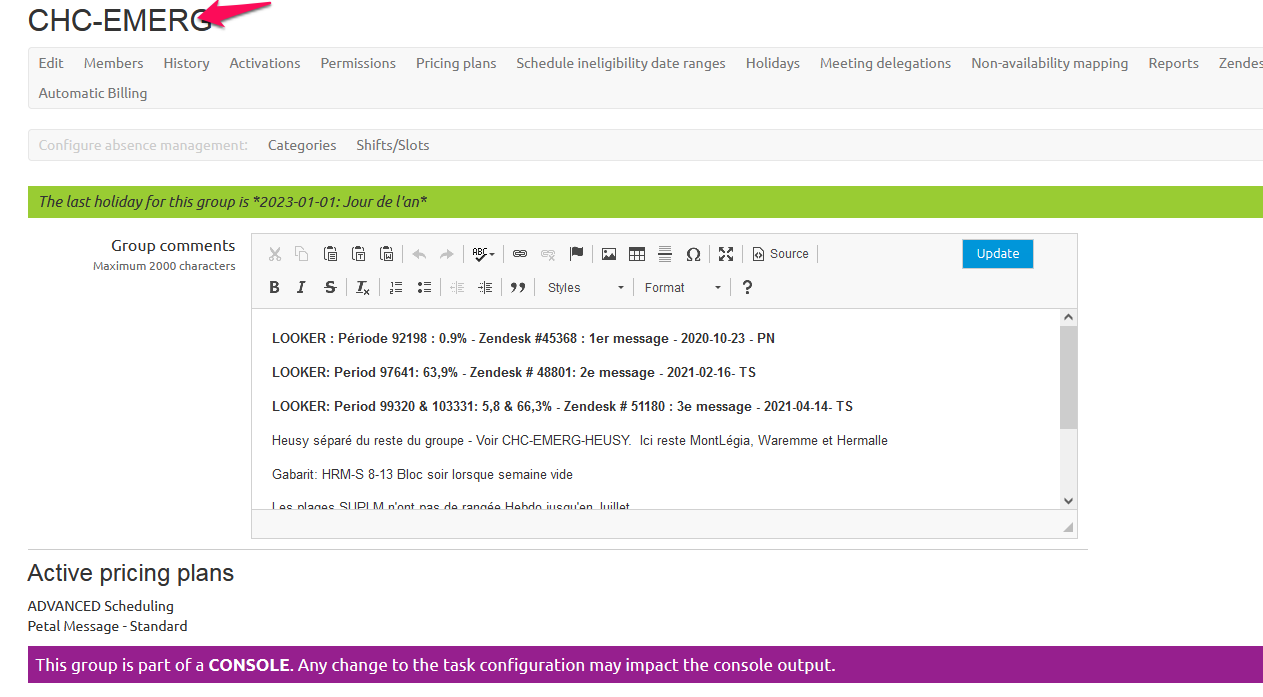
Step 1: Access Admin page and find pertinent group.
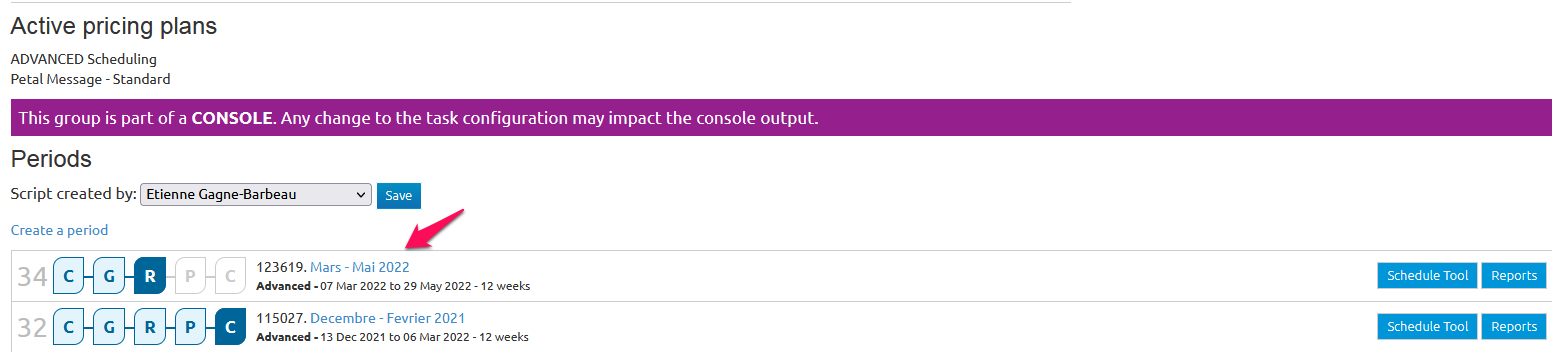
Step 2: Access pertinent period, please note that changes must be made to all unpublished periods current and future.
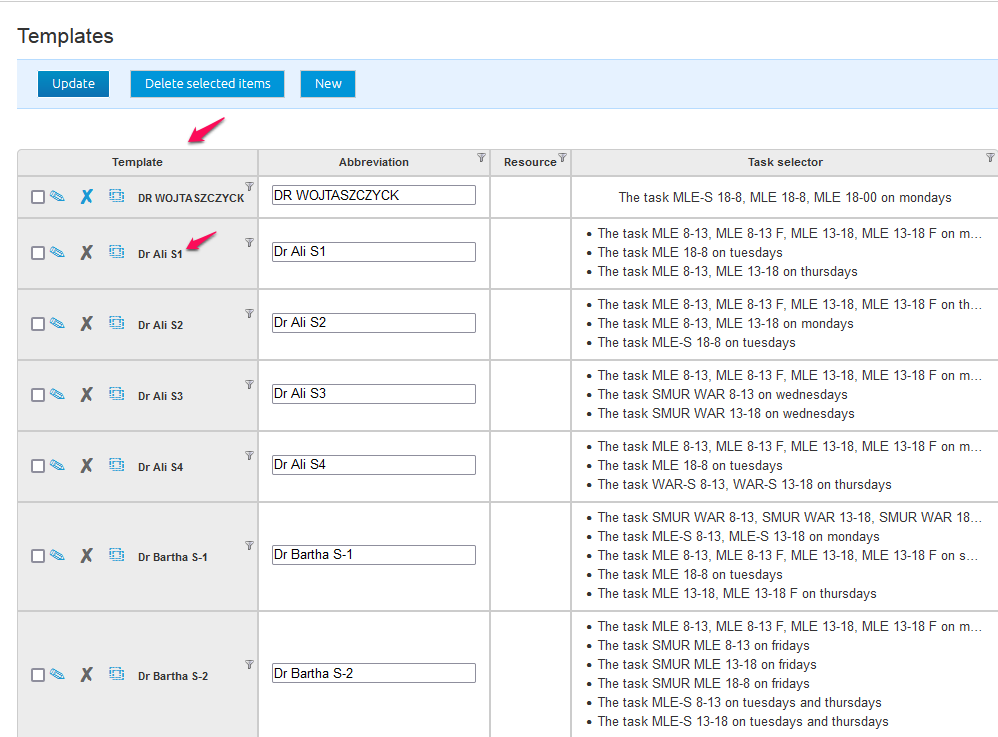
Step3: Ensure that a template already exists for the member you are creating the rotation for.
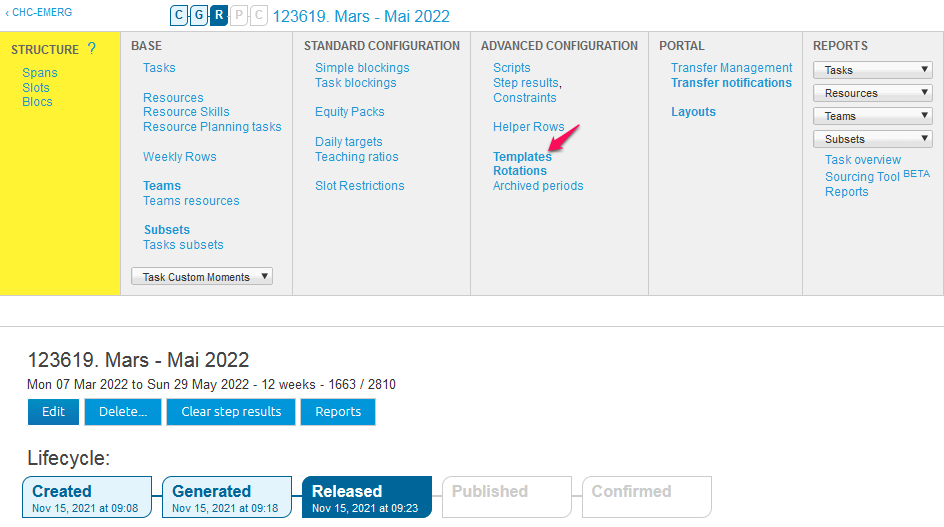
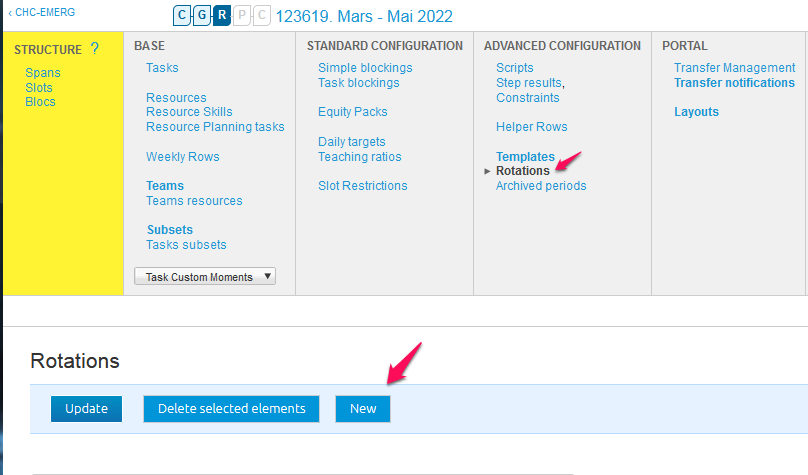
Step 4: Access the Rotation section and click New.
Step 5: Enter members name in the Abbreviation window and choose all templates related to the user including all pertinent weeks as necessary. (ie S1, S2).
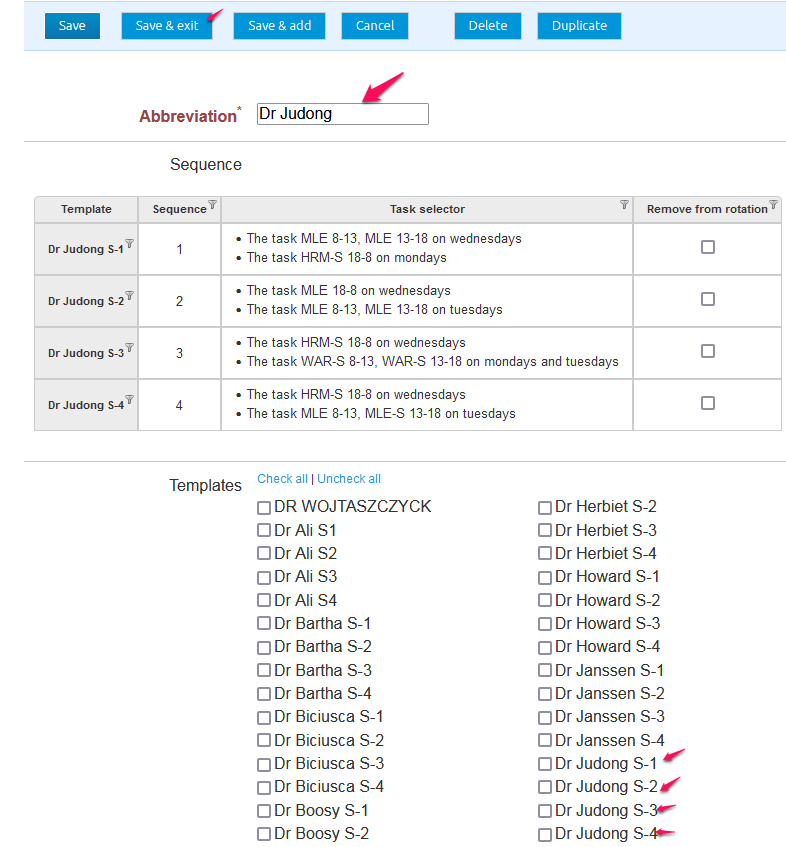
Step 6: Create and exit.