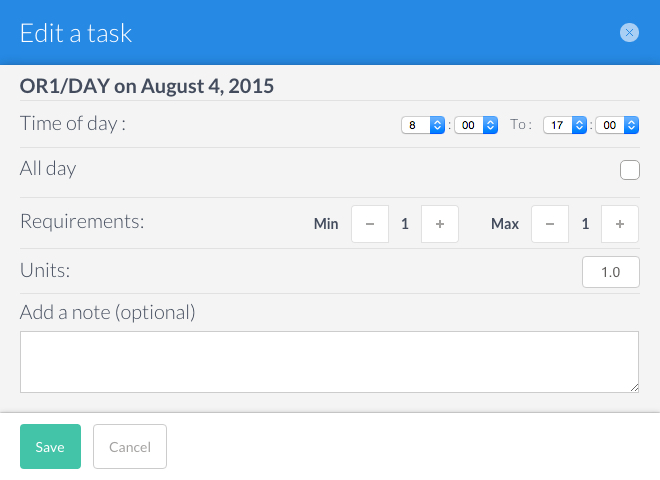
The Tasks tab enables you to make changes to the standard task configurations.

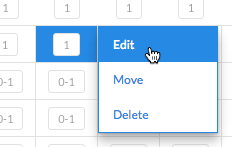
To edit a task, click on a cell. A menu will appear. Select the Edit option.
A window will open enabling you to edit:
- the times
- the required number of physicians
- the units
You can also add a note for that assignment.
To exit, either select Save or Cancel.